How to make a before-and-after song video
Cut from your original recording to the same line in a new arrangement. Hear the edit in Last Train, Last Light, then try it with your own song.
One hook, two sides of midnight
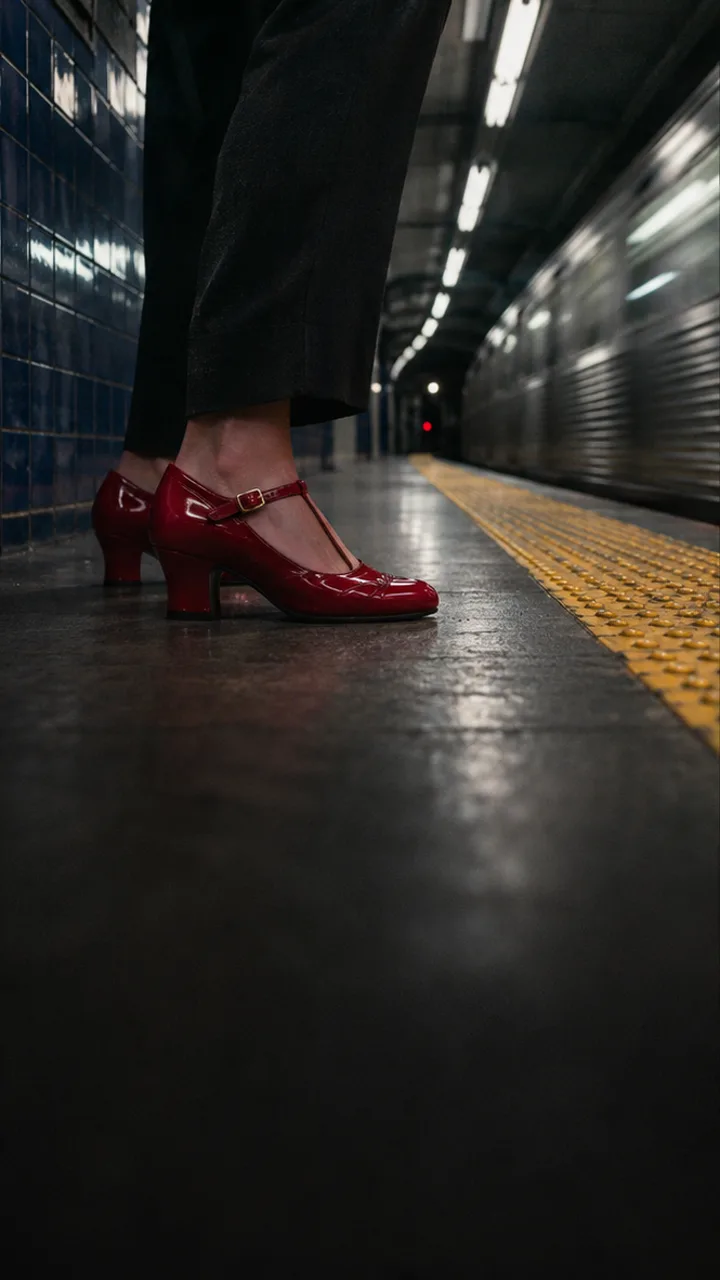
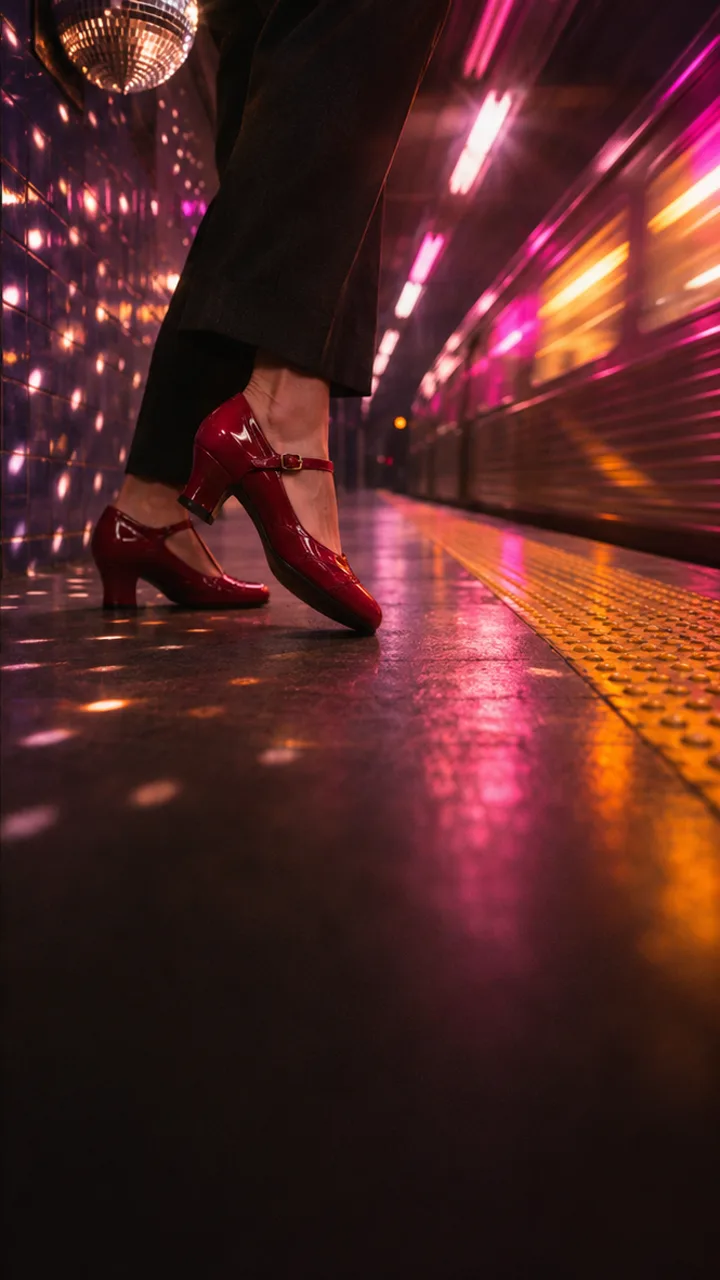
Hear Last Train, Last Light go from a quiet piano take to a disco groove. The cut to the second station photograph marks the change in arrangement.
Try disco with my songIn its summer 2026 recap, TikTok describes how people used “The One That Got Away” for nostalgic edits and personal stories. Try that idea with a detail from your own lyric. Here the red shoes stay in the shot while the arrangement and light change. TikTok Newsroom ↗
Find a line worth hearing twice
Start with a short phrase you can recognise when the backing changes. In this recording, listen for the words “Your red shoes on the yellow line.” Listen to the original and the arrangement on their own first.
Choose where each take starts
Open the disco template, add your recording and generate an arrangement. On the version you like, open the short video studio. In Before & after, set each start separately. Listen from just before the cut and check that the singer finishes the first phrase.
Disco arrangement · Last Train, Last LightChange the picture with the sound
Choose Midnight platform. The first shot holds on the red shoes in the station. The second catches the raised heel under the disco lights. Let the picture change on the first beat of the new arrangement.
Save the clip for your post
Play the whole edit vertically. Check that the final word has room to ring out and both labels are readable. Review the export cost, then download the MP4 to your phone. For a single chorus with lyrics, choose the lyric clip and set its start on the sung line.
Make this with my song